Google's Sheets MCP server vs datatomcp: which one your agents need
By Killian, founder of datatomcp · Updated 10 November 2026. Google's side comes from its own documentation and the write-ups linked under Sources, on that date; the server is in Developer Preview, so check Google's pages before you decide.
Google's Sheets MCP server is a first-party remote server, in Developer Preview, that gives one agent six tools to read and edit cells through your own Google Cloud project. datatomcp is a hosted, read-only query layer: pick the sheet, paste one URL into any agent, and get computed totals across linked sheets, with shared definitions and an audit.
They do different jobs. Google's server is the sheet's own API, opened to an agent: it can read any range and change cells, formulas and structure. datatomcp imports the sheet into a database and lets agents ask it questions, so the totals are computed on the server and the sheet is never changed. If an agent should edit your sheet, use Google's. If several people and agents should get the same answer from it, use datatomcp. (Anthropic also has its own Sheets connector for paid Claude plans: all five ways to connect Google Sheets to Claude.)
| Google Sheets MCP server | datatomcp | |
|---|---|---|
| Who runs it | Google, at sheetsmcp.googleapis.com/mcp/v1 (Streamable HTTP, OAuth 2.0) | datatomcp, at app.datatomcp.com/mcp (Streamable HTTP, OAuth), hosted in the EU |
| Who can use it today | Google Cloud projects enrolled in the Google Workspace Developer Preview Program | Anyone: live since 22 October 2026, Free plan without a card |
| Setup | A Cloud project, the Sheets API and the Sheets MCP API enabled, an OAuth consent screen with the scopes, and a web OAuth client marked for an AI agent | Sign in, pick the sheet in Google's file picker, paste the URL into your agent |
| Tools | 6: get_values, get_spreadsheet, update_values, update_formulas, update_spreadsheet, insert_dimension | 5, all read-only: list_datasets, describe_dataset, query_rows, aggregate, distinct_values |
| Edits the sheet | Yes: values, formulas, structure. Read-only only if you grant the .readonly scopes | No, read-only by design |
| Finds a sheet by name | No: it works on a spreadsheet ID; lookup is on Google's separate Drive MCP server | Yes: list_datasets returns everything you added |
| Totals and filters | The agent reads cell ranges and does the maths itself | Filters, group-by, count, sum, average, min and max computed on the server; every result carries the data version and a link to check it |
| Several sheets at once | One spreadsheet per call; the agent joins them | Linked datasets on a shared key (customer_id, account + month), up to 3 hops, in one query |
| Other files | Google Sheets only | Google Sheets and CSV files |
| A team | Each person's own OAuth sign-in and their own Google access | Workspaces with editor and viewer roles, approved definitions agents ask for by name, an activity log of every agent question |
| Price | No separate price listed during the Developer Preview | Free: 3 datasets × 100,000 rows, 1,000 queries a day. Pro: $12 or €12 a month |
What Google's Sheets MCP server does
Google hosts it at https://sheetsmcp.googleapis.com/mcp/v1. Its six tools are the Sheets API in MCP form: get_values and get_spreadsheet read, while update_values, update_formulas, update_spreadsheet and insert_dimension write. For update_spreadsheet the model writes the raw batch-update request itself, which Scalekit notes can fail quietly when a field mask is wrong.
To use it, your Google Cloud project has to be enrolled in the Google Workspace Developer Preview Program. Then you enable sheets.googleapis.com and sheetsmcp.googleapis.com, add the scopes (spreadsheets or spreadsheets.readonly, plus drive.readonly or drive.file) to the OAuth consent screen, and create a web-application OAuth client marked for an AI agent. Each person signs in with their own Google account, and the agent sees what that account can see.
It's the right pick when you're a developer, an agent should edit sheets (fill rows, fix formulas, add tabs), and you're happy to run the Cloud project.
What datatomcp does differently
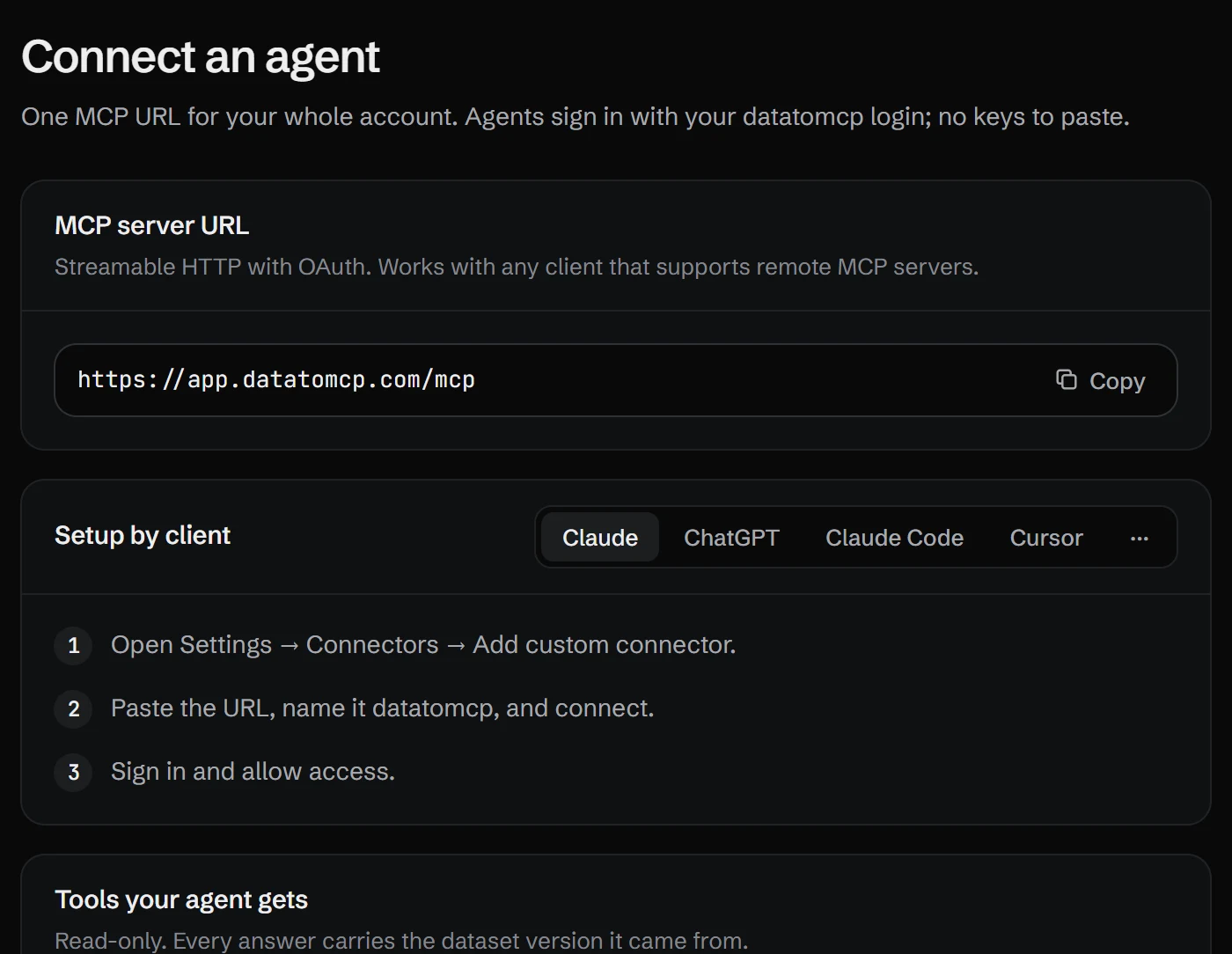
You pick the sheet in Google's file picker, which grants access to that file only (drive.file). datatomcp imports it, reports anything odd (numbers stored as text, mixed date formats) and gives every agent the same URL, https://app.datatomcp.com/mcp. The agent asks a question and gets the computed answer back, not the cells: a filtered list, or a total grouped by month, with the data version and a link a person can open to check it. Only the question and the answer pass through the agent's context, so a 100,000-row tab costs the same per question as a 100-row one.
- Linked sheets: orders and customers that share a
customer_idare linked on import, so an agent totals revenue by customer segment in one query. - Definitions: an editor names a calculation once, such as net revenue without refunds, and every agent asks for it by name and gets the same number. See one definition of revenue across Claude, ChatGPT and Cursor.
- Audit: the activity log shows every agent question on the workspace's data: who asked, from which agent, which tool and dataset. See auditing AI agent questions.
- Every agent: Claude, ChatGPT, Cursor, Claude Code, Antigravity and n8n, with no OAuth client of your own.
What it doesn't do: write to the sheet. If an agent should change cells, use Google's server (or a local Sheets MCP, see hosted vs local Google Sheets MCP servers) next to it.
Which one to choose
- One developer, an agent that edits sheets, a Cloud project already set up: Google's Sheets MCP server.
- A team asking questions of its sheets from several agents, and the same number for everyone: datatomcp.
- Both: Google's for edits, datatomcp for answers. They don't conflict.
FAQ
Is Google's Sheets MCP server free?
Google doesn't list a separate price for it during the Developer Preview. You do need a Google Cloud project enrolled in the Google Workspace Developer Preview Program, with the Sheets API and the Sheets MCP API enabled.
Can Google's Sheets MCP server be read-only?
Yes, if you grant only the spreadsheets.readonly and drive.readonly (or drive.file) scopes: write tools are then refused by Google. Some clients can also hide tools, such as Gemini CLI's excludeTools setting. datatomcp has no write tools at all.
Does Google's Sheets MCP server work with Claude?
Google's guide names Claude and Google Antigravity as clients. It is a remote server with OAuth, so you add the endpoint and your own OAuth client ID and secret to the client. datatomcp works the same way in Claude, ChatGPT, Cursor, Claude Code, Antigravity and n8n, with no OAuth client of your own.
Do I need Google's Drive MCP server too?
To let the agent find a spreadsheet by its name, yes: the Sheets server works on a spreadsheet ID, and file search is on Google's Drive MCP server. If you paste the ID or link yourself, the Sheets server alone is enough.
Can I use both?
Yes, and for many teams that's the right setup: Google's server when an agent should edit a sheet, datatomcp when agents should answer questions from it, the same way for everyone on the team.